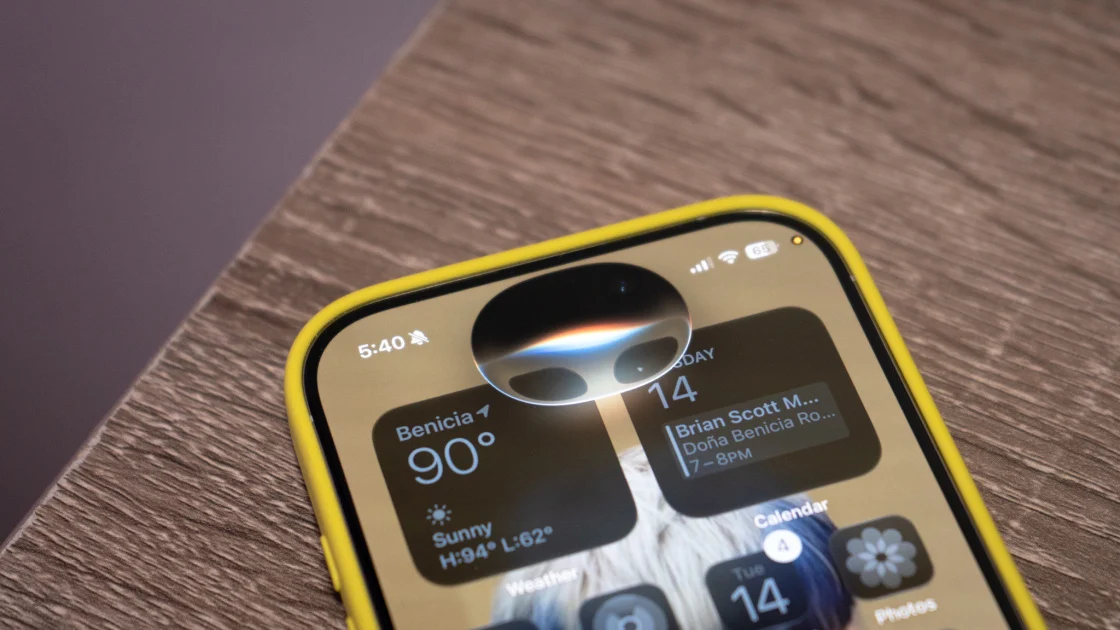
Apple has launched iOS 27 for iPhone users coinciding with the debut of the iPhone 18 Pro and 18 Pro Max. The new operating system introduces features such as cross-app actions, enhanced parental controls, and a more contextual Siri. Once installed, users will notice the Liquid Glass interface effect, indicating a fresh experience.
Read More
iOS 27 is compatible with iPhones dating back to the iPhone 11, although some features, particularly Apple Intelligence and advanced Siri capabilities, are exclusive to the iPhone 15 Pro and later models. Users can install the update by navigating to Settings > General > Software Update. It is advisable to back up the device and to use Wi-Fi for the download, which typically takes about 20 minutes.
One of the key updates allows Siri to perform tasks across multiple apps due to the introduction of App Intents, enhancing its capability to manage multi-step commands without accessing individual apps. For instance, users can ask Siri to find a reservation in Mail and message it to someone without manually switching apps.
iOS 27 also features an improved parental control option called 'Ask to Browse', which allows parents to manage their children's screen time more effectively. This feature lets children request access to content or messaging capabilities, requiring parents' approval through a new toggle in the Screen Time settings.
The Camera app integrates Visual Intelligence, enabling users to leverage Siri's capabilities to extract information from images. This enhancement simplifies tasks like digitizing a business card or summarizing text from a receipt by using Siri’s voice commands directly within the app.
Furthermore, users can now create shortcuts by verbally describing the desired function within the Shortcuts app. This streamlined process helps users automate tasks by simply articulating what they wish to achieve with their iPhone.
The Control Center has received an upgrade as well, allowing for custom panels that can be tailored to different activities, such as work, personal usage, or smart home commands. This feature can be set up by entering Edit Mode in the Control Center and adding new pages.
Finally, iOS 27 enhances Siri's capabilities while also introducing user control over data retention. Users can adjust how long Siri retains conversation history, with options to delete records automatically after set periods or permanently remove specific interactions. This level of customization aims to enhance user privacy while maintaining convenience.
Users who have downloaded iOS 27 are encouraged to share their feedback.