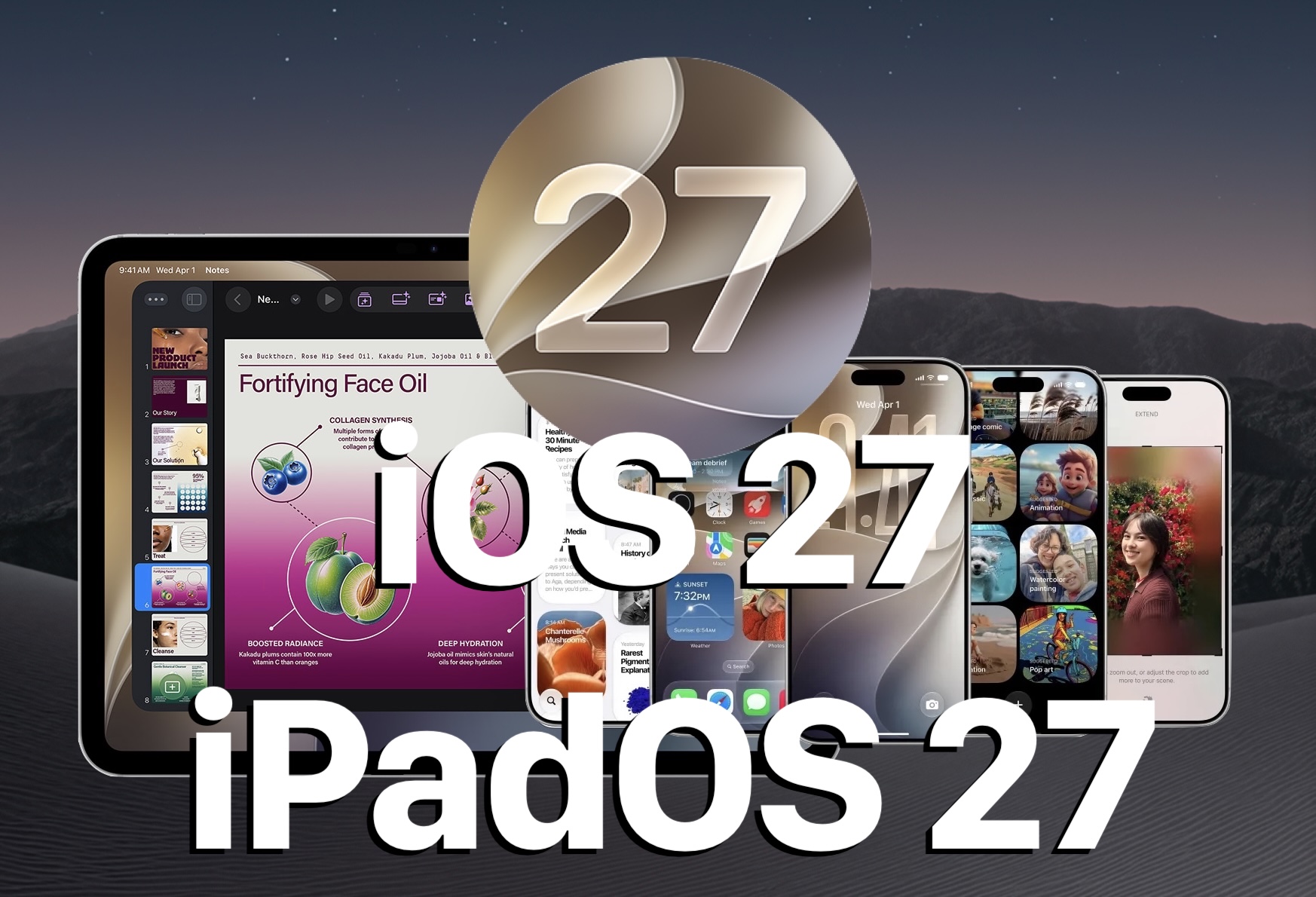
Apple has released iOS 27 for iPhone and iPadOS 27 for iPad, marking the culmination of several months of beta development and testing. All eligible devices can now download and install these updates at their convenience.
Read More
The updates come with performance enhancements, including faster app launches and improvements to Spotlight and Mail search functions. The Liquid Glass user interface has been refined, featuring a slider for adjusting transparent effects, along with updated icons and new wallpaper options. Notably, enhanced capabilities for Siri and Apple Intelligence have been introduced, alongside updates to applications such as Photos, Messages, Mail, and Safari. Parents will benefit from new child safety features and parental controls integrated into Screen Time. iPadOS 27 includes similar features with additional adjustments tailored for the iPad.
In addition to iOS and iPadOS updates, Apple has also launched MacOS 27 Golden Gate for Mac devices, watchOS 27 for Apple Watch, tvOS 27 for Apple TV, and visionOS 27 for Apple Vision Pro. Users are encouraged to update all their Apple products.
To prepare for the upgrade, it is advised to back up data to iCloud. Updating your device is straightforward:
1. Open the “Settings” app on your iPhone or iPad.
2. Navigate to “General” and select “Software Update.”
3. Tap “Update Now” when the iOS 27 or iPadOS 27 update is available.
The installation process may take some time and will require the device to restart. Alternatively, users can download the update using a computer or IPSW files.
Apple provides iOS 27 firmware files for various devices, including the iPhone 17 series and iPad Pro models, along with specific download links.
Release notes highlight that iOS 27 introduces advancements in Siri’s capabilities, improved image editing in Photos, and enhanced features for communication and browsing. Parental controls have been made more intuitive, while system-wide performance and connectivity improvements are included.
For those running the iOS 27 beta, transitioning to the final version is possible, and it's recommended to discontinue beta updates through Settings following the upgrade.
Users considering whether to install iOS 27 now or wait for future updates have different preferences. For most, the enhancements over the previous version make it a beneficial upgrade, but some may opt to wait for subsequent updates like iOS 27.1 or 27.2.