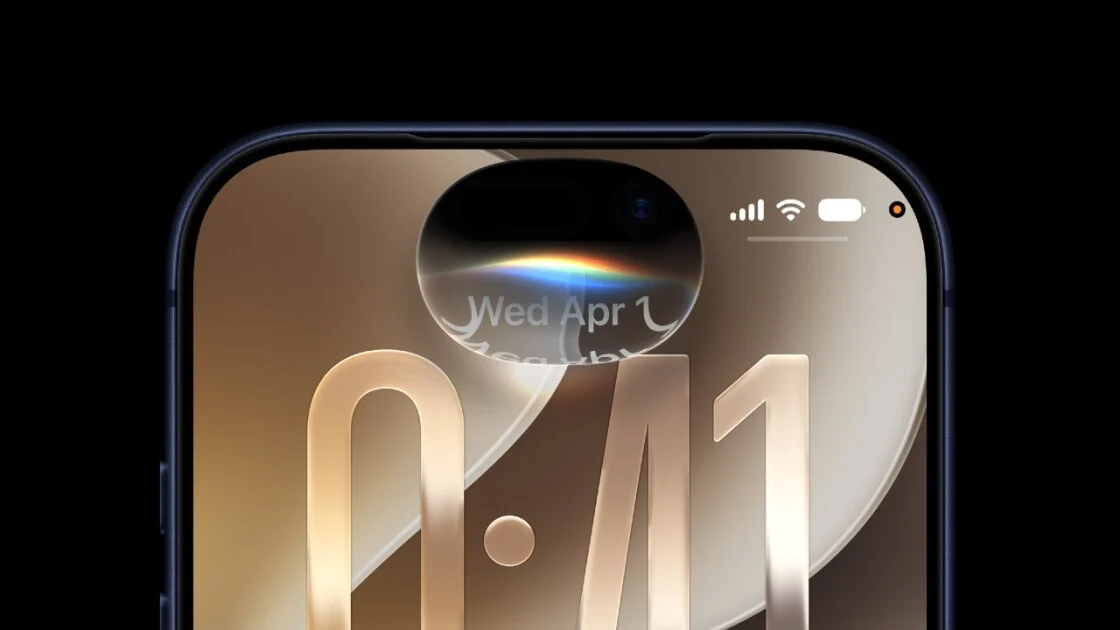
Apple has officially launched iOS 27 and iPadOS 27 on September 14, offering a range of new features for users. Key updates include an AI-enhanced Siri, a redesigned Screen Time app, enhanced Liquid Glass customizations, Apple Handoff, and improved integration with Apple Intelligence.
Read More
To install iOS 27 on your iPhone, navigate to Settings, then tap General, select Software Update, and choose Update Now when the iOS 27 update appears. For iPad users, the process is identical.
Supported devices for iOS 27 include:
- iPhone 14 series: Pro, Pro Max, Plus
- iPhone 13 series: Pro, Pro Max, mini
- iPhone 12 series: Pro, Pro Max, mini
- iPhone 11 series: Pro, Pro Max
- iPhone SE (second generation and later)
- iPhone 15 series: Pro, Pro Max
Some new Siri AI features will only be available on newer models like the iPhone 15 Pro and higher.
iPadOS 27 supports:
- iPad Pro (4th generation and later, M1 and up)
- iPad Air (4th generation and later, M2 and up)
- iPad (9th generation and later)
- iPad mini (6th generation)
Features that require Apple Intelligence will be limited to newer models, including the 5th-generation iPad Pro and newer.
The iOS 27 update introduces various enhancements, such as Siri's revamp, new customization options for the Liquid Glass slider, improvements to Apple Wallet, lock screen adjustments, and updates to iPhone-to-Android RCS chats.