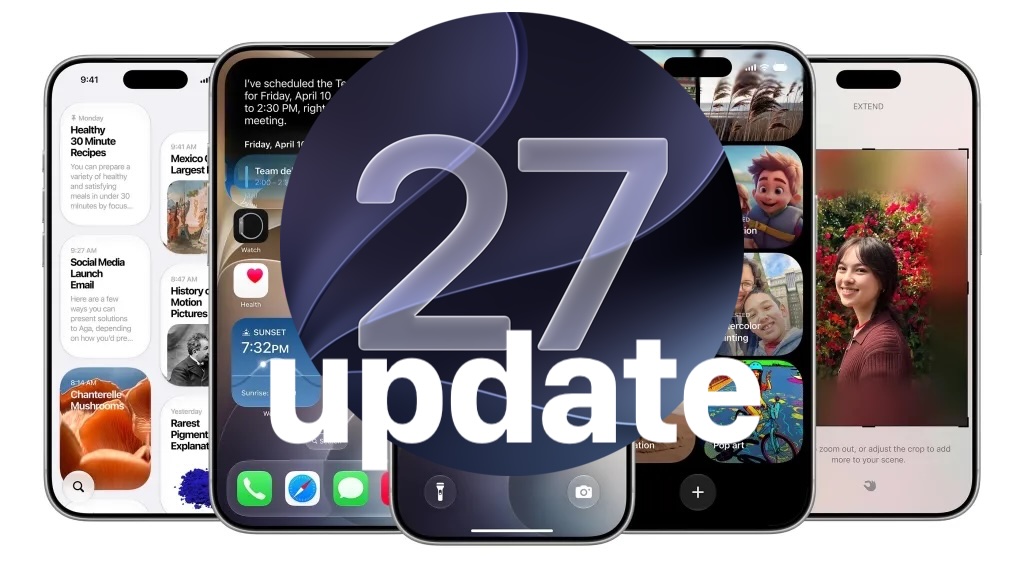
Apple has released iOS 27.0.1 for iPhone and iPadOS 27.0.1 for iPad, marking the first bug fix updates for the iOS 27 and iPadOS 27 operating systems. The updates resolve several issues, including a problem with the touch screen becoming unresponsive when both Control Center and Notification Center are accessed simultaneously. They also address Face ID issues on the iPhone 18 Pro and correct an issue with color artifacts appearing on photos taken with iPhone 18 Pro devices.
Read More
In addition, Apple has launched macOS 27.0.1 Golden Gate update, along with macOS Tahoe 26.7.1 and macOS Sequoia 15.8.1, as well as iOS 26.7.1 and iPadOS 26.7.1.
To download and install the updates, users should back up their devices to iCloud first. The process is as follows:
1. Open the “Settings” app on the iPhone or iPad.
2. Navigate to “General” and select “Software Update.”
3. Choose “Update Now” for iOS 27.0.1 or iPadOS 27.0.1 when prompted.
A restart will be necessary to complete the installation. Alternatively, users can update their iPhones via a computer or using the IPSW method.
The release notes for iOS 27.0.1 specify the fix for the following issues:
– Unexpected restarts for the iPhone 18 Pro and iPhone 18 Pro Max when Face ID authentication fails.
– Color artifacts in photos captured at 2x magnification under certain lighting conditions with f/1.48 on a limited number of iPhone 18 Pro and iPhone 18 Pro Max devices.
– Unresponsiveness of the touchscreen when Notification Center and Control Center are opened at the same time.
Users are advised to also update their other Apple devices, as additional updates for MacOS and previous iOS versions are now available.