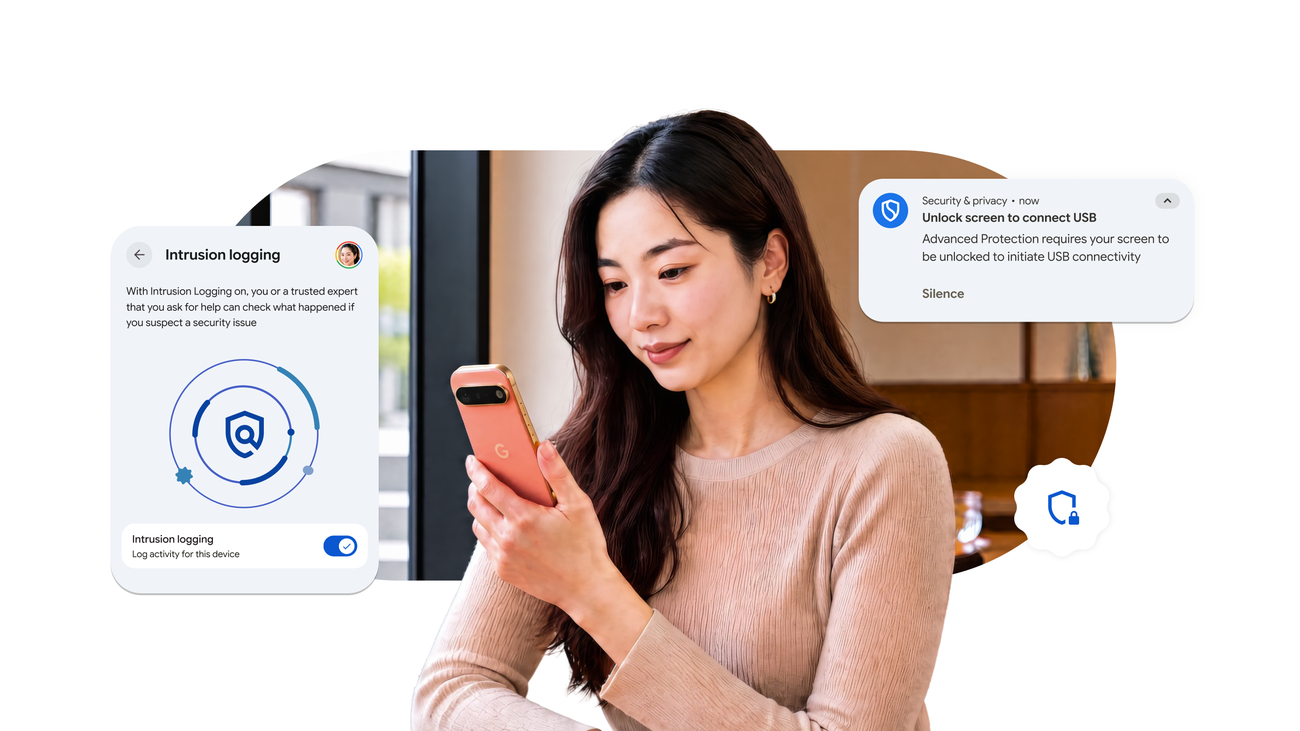
On October 1, 2026, Google highlighted its Advanced Protection initiative, launched last year alongside Android 16. This program is designed to bolster security for at-risk users by integrating Google's strongest mobile security features. With a single toggle, users can activate comprehensive defenses to guard against a range of threats, including scams and targeted attacks aimed at officials, journalists, and other high-profile figures.
Read More
The Advanced Protection suite enhances standard security settings across key applications like Chrome, Google Messages, and the Phone app, ensuring that critical protections such as Google Play Protect and Scam Detection remain active.
Since its initial release, Google has introduced several crucial enhancements to the Advanced Protection system, all of which are available on Android 17 devices, with some features limited to select models. These enhancements include:
1. **Intrusion Logging**: This new capability allows for persistent, privacy-preserving logging of security and network events. It stores logs securely in the cloud, ensuring they remain tamper-proof and accessible only to users. Logs are retained for 12 months before deletion, and opting in is required.
2. **USB Protection**: This feature prevents unauthorized access via physical connections by ensuring that new USB connections allow charging only when the device is locked. Existing connections remain active even when the device locks, protecting users from data theft.
3. **Accessibility Protection**: To mitigate risks from malicious use of the AccessibilityService API, Advanced Protection in Android 17 restricts this access to verified applications categorized as Accessibility Tools, limiting avenues for exploitation while still supporting essential assistive technology.
4. **Disable WebGPU**: In an effort to protect against sophisticated browser-based exploits, WebGPU is disabled in Advanced Protection Mode. While WebGPU enables high-performance graphics, disabling it reduces potential vulnerabilities.
5. **Failed Authentication Lock**: This feature locks the device if there are repeated unsuccessful authentication attempts, preventing unauthorized access through brute-force methods.
6. **View Supporting Apps**: A new transparency settings page allows users to see which installed apps check their Advanced Protection status and enhance security. Developers can be alerted when a user opts into Advanced Protection, enabling additional safety features automatically.
Google remains dedicated to evolving Advanced Protection to counter new and advanced threats. Users will receive notifications when these new features become available, and they can enable Intrusion Logging through the Advanced Protection settings page.