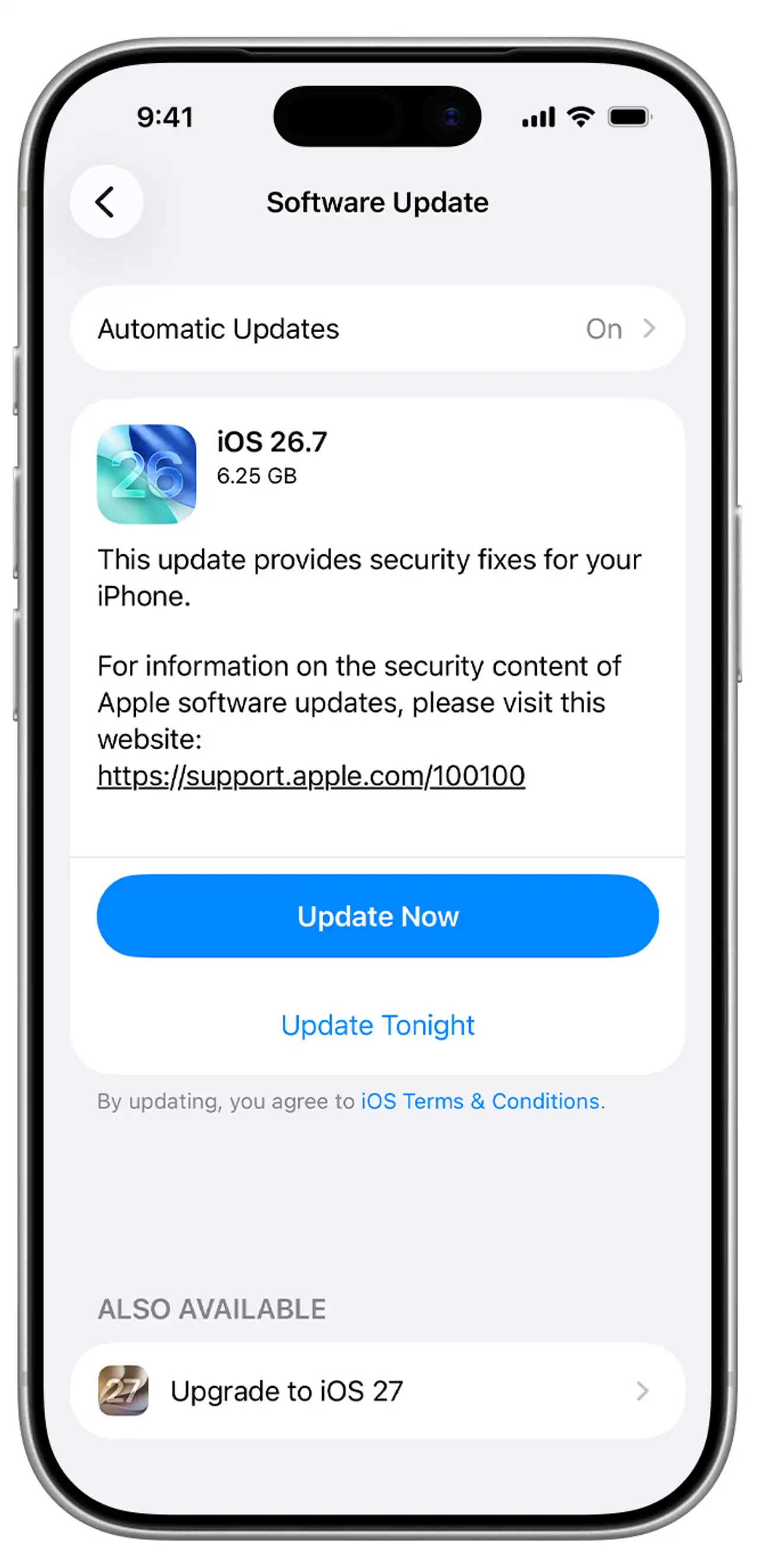
Apple has announced a series of updates aimed at resolving various issues for users of its devices.
Read More
On Monday, September 28, Apple released iOS 27.0.1 and macOS Golden Gate 27.0.1. The update for iPhone addresses problems such as unexpected restarts, a camera artifact issue, and an unresponsive touchscreen in certain situations.
Specifically, the iPhone patch includes fixes for the iPhone 18 Pro and iPhone 18 Pro Max. One fix prevents unexpected restarts when Face ID fails to authenticate, while another addresses an unwanted color artifact that can occur in photos taken at 2x zoom in specific lighting conditions with an aperture of f/1.48. Apple has stated that this camera issue impacts a small fraction of affected devices. The third fix resolves touchscreen responsiveness issues when Notification Center and Control Center are accessed simultaneously. The iOS 27.0.1 update is available for iPhone 11 models and later.
For Mac users, Apple's macOS 27.0.1 is described as a bug-fix update, but it does not specify the individual problems addressed. Users are encouraged to update their systems to the latest version.
Before proceeding with the installations, Apple advises users to back up their devices. For iPhone or iPad updates, users should open Settings, tap General, and select Software Update to check for and install updates while connected to power and Wi-Fi. Mac users should navigate to the Apple menu, choose System Settings, then General and Software Update, ensuring the installation is completed without interrupting the device's sleep mode.
Those who prefer automatic updates for their iPhones can adjust their settings under General, Software Update, and enable Automatic Updates.
For ongoing updates, users can follow Daily Voice for the latest news.