To maximize the lifespan of your smartphone, it's essential to prioritize battery health. Maintaining your phone's battery involves avoiding extreme temperatures and adopting good charging practices. Apple, Google, and Samsung suggest keeping devices at temperatures between 62°F and 72°F, as exposure below 32°F or above 95°F can harm battery life. Heat is particularly damaging; a device can overheat at the beach, leading to shutdowns.
Read More
Experts advise against regularly charging your phone to 100%. Charlie Sorrel, a writer for iFixit, highlights that battery longevity relates to the number of charging cycles. Overnight charging can lead to battery degradation. Kent Griffith, a professor at UC San Diego, recommends keeping your battery level between 20% and 80% to prolong its life.
Many modern phones offer optimized charging features. For example, on iPhone 15 and newer models, users can set a charging limit by navigating to Settings > Battery > Charging > Charge Limit. Samsung Galaxy users can set a maximum charge through Battery Protection in Settings, while Google Pixel phones feature Adaptive Charging that adjusts based on user habits.
Keeping a smartphone’s display settings conservative, such as enabling dark mode and automatic brightness, can also help conserve battery. Reducing screen timeout to under 60 seconds and avoiding GPS-heavy apps can further extend battery life. Activating low-power mode and using a portable battery pack might also be beneficial for those on the go.
To monitor battery health, iPhone users can check Settings > Battery > Battery Health for status updates. On Samsung devices, navigating to Device Care > Diagnostics > Phone Diagnostics provides battery status, while Google Pixel users access this information under Battery > Battery Health for newer models or through battery diagnostics for older models.
Protecting your phone from damage is another way to ensure longevity. While modern phones tend to be more resilient to water and drops, using a case and screen protector can prevent damage and maintain resale value.
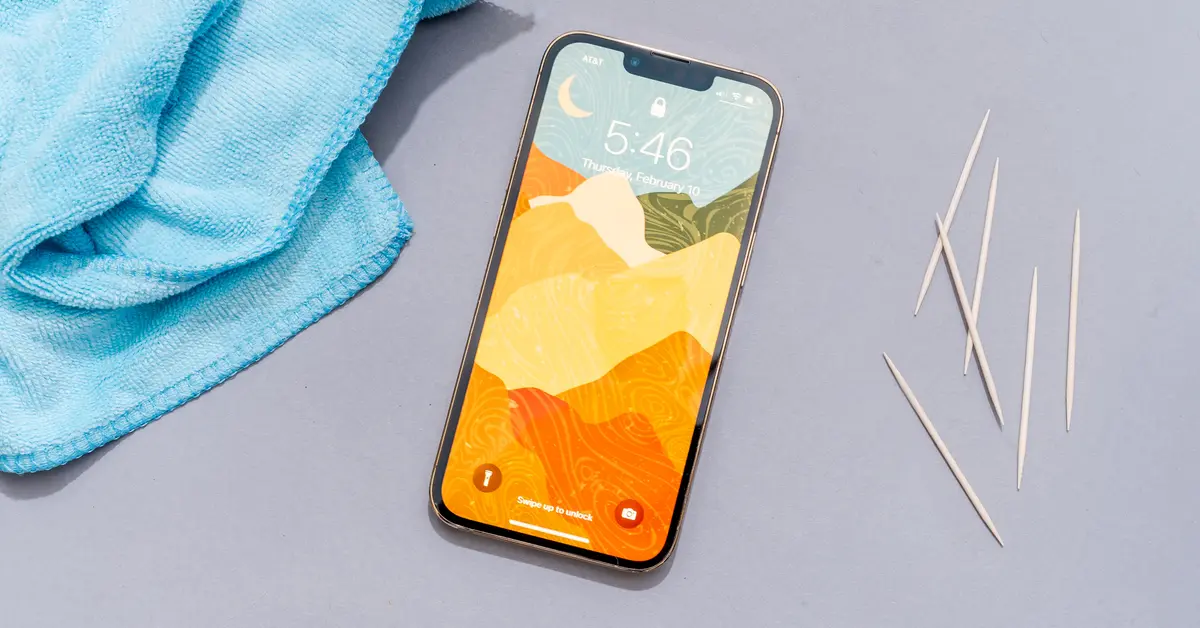
Regular cleaning is crucial as well. Accumulation of dust in charging ports and speaker grilles can create charging issues. A simple cleaning with a microfiber cloth and household items can help.
Keeping your operating system up-to-date is vital for performance and security. Updating software can provide features akin to newer models and protect against security threats. Apple tends to release updates every four to six weeks, while Google offers monthly updates for Android devices. Users should download these updates promptly.
Managing storage is another important aspect. Overfilling your device can reduce speed and performance, so offloading music, photos, and heavy apps can help maintain the phone’s functionality. Streaming services and cloud storage can alleviate storage issues effectively.
Finally, consider repairing your phone rather than replacing it. Repair costs for damages vary; for example, an iPhone screen repair ranges from $129 to $379, or as low as $29 with insurance. Battery replacement costs between $69 and $119 without insurance. Regular maintenance might negate the need for a new phone every few years, allowing users to keep their devices longer.