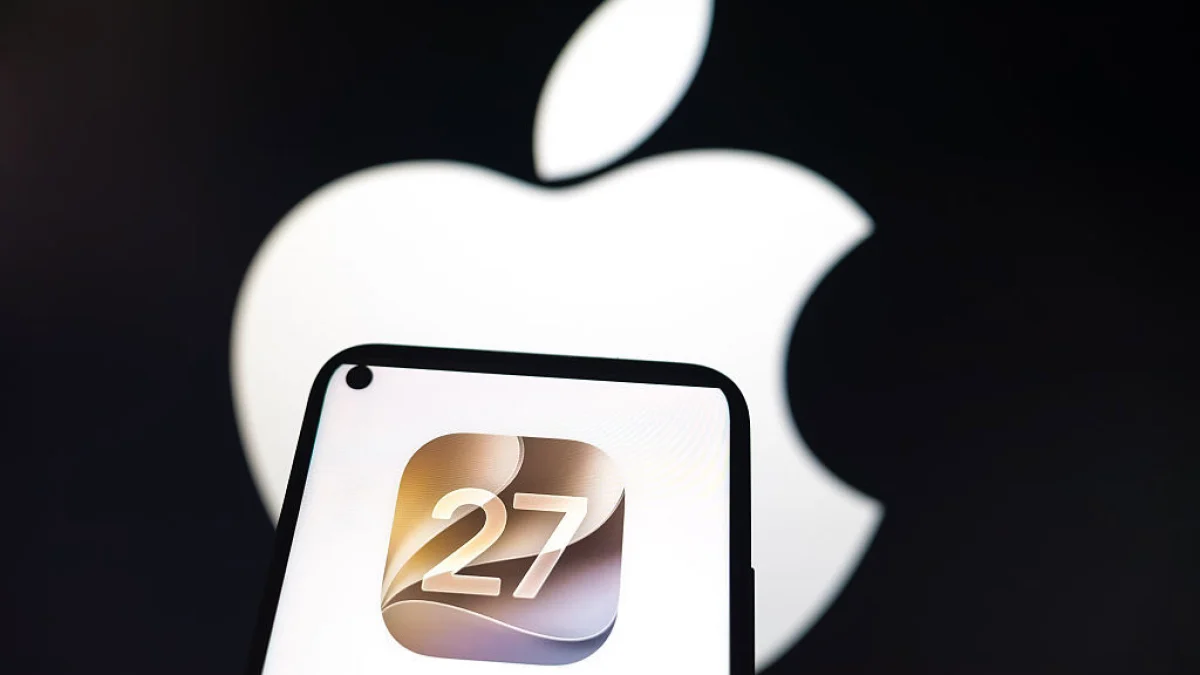
Apple officially released iOS 27 on Monday, September 14, alongside macOS 27 Golden Gate, iPadOS 27, and watchOS 27. Users with compatible iPhones can download the update immediately.
Read More
The announcement followed Apple's "Surprise and Shine" event held on September 9, where new products including the iPhone 18 Pro lineup, foldable iPhone Duo, new Apple Watches, and AirPods 5 were showcased. During the event, details about iOS 27 were shared, emphasizing the download availability.
To download iOS 27, users should navigate to the Settings app on their compatible devices, select General, then Software Update. The system will check for new updates, and once iOS 27 is available, users can proceed with the download and installation. Apple typically releases new iOS versions at 10:00 a.m. PT (1:00 p.m. ET). Users can also enable "Automatic Updates" to have the new OS download automatically when their phone is locked and charging.
Key features of iOS 27 include enhanced Siri capabilities powered by Google Gemini, allowing users to interact with Siri like they would with an AI chatbot. The update introduces advanced photo-editing tools, enabling users to describe their editing requests to Siri through voice or text. These features aim to match the existing AI editing tools available on Android devices.
Additional updates include new customization options for Liquid Glass, along with enhancements to apps like Health, Photos, and Notes.
iOS 27 is compatible with various models, including:
- iPhone SE (2nd generation and later)
- iPhone 11 series (11, 11 Pro, 11 Pro Max)
- iPhone 12 series (12, 12 Mini, 12 Pro, 12 Pro Max)
- iPhone 13 series (13, 13 Mini, 13 Pro, 13 Pro Max)
- iPhone 14 series (14, 14 Plus, 14 Pro, 14 Pro Max)
- iPhone 15 series (15, 15 Plus, 15 Pro, 15 Pro Max)
- iPhone 16 series (16, 16 Plus, 16 Pro, 16 Pro Max)
- iPhone 17 series (17, 17 Pro, 17 Pro Max)
- iPhone 18 series (18, 18 Pro, 18 Pro Max)
- iPhone Duo
Notably, the new Siri features will not be available in Europe due to regulatory issues.